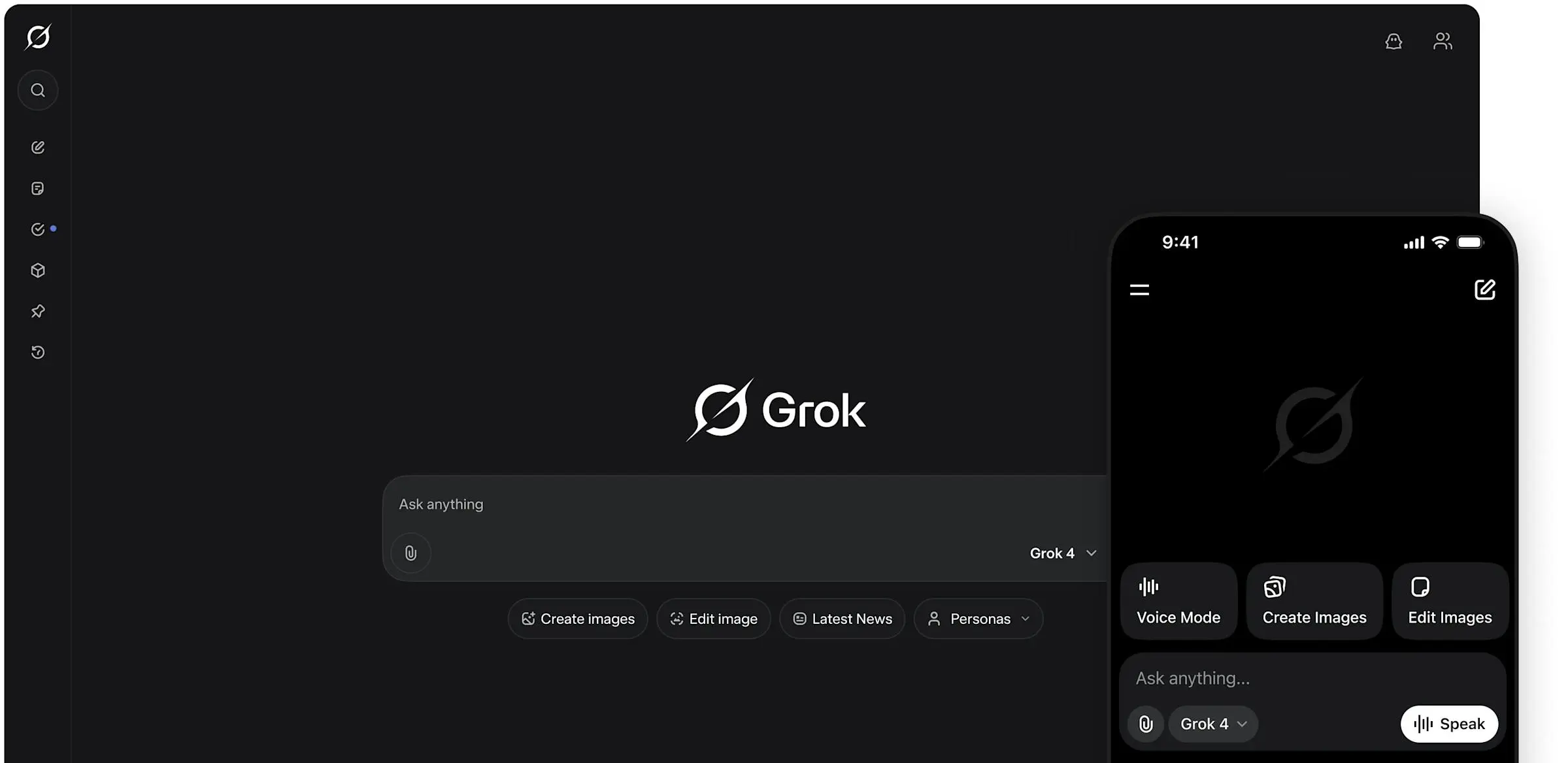
A new open-source project called Grok Bot for Linux has released an unofficial desktop port of xAI's official Grok chatbot. It gives Linux users a native way to chat with the model. They don't need a web browser. The app lives on GitHub. It packages the official Grok experience into a standalone client built for Linux desktops. Binaries are shared through GitHub Releases. Install steps cover Debian, RPM, Arch, and other distros. This guide covers Grok Bot for Linux: Unofficial port of the official app (open source) in detail. You can also read Google Confirms Pixel Watch 1 Health Data Error Was a Bug, Device Remains Fully Supported.
According to the project's GitHub repository, Grok Bot for Linux is described as an "Unofficial Linux port of the official Grok app." The project is not affiliated with xAI, the AI company founded by Elon Musk in 2023. The maintainer says the app uses the official API endpoints to reach Grok's models. These include Grok-1 and Grok-1.5, which xAI released in March 2024. The client is built with Electron and TypeScript. It runs on most Linux desktop environments, including GNOME, KDE Plasma, and XFCE.
Grok Bot for Linux: Unofficial port of the official app (open source): What Features Does the Unofficial Linux Client Offer?
The app gives a near-identical experience to xAI's official Grok web interface. It supports real-time web search, image generation through the Aurora model, and code execution. Users log in by pasting a session token. They pull this token from their browser's developer tools after they log into grok.com. This method has become common among unofficial third-party Grok clients. The project does not store credentials on any external server.
Why Does This Matter for Linux Users and xAI?
Linux desktop users have often been left out by major AI companies. Most providers only offer web interfaces or command-line tools. The Grok Bot for Linux project fills a clear gap. It gives a graphical desktop app that works with system features like desktop notifications, system tray icons, and window managers. The client also supports custom CSS theming. Users can change the look of the chat interface to match their desktop environment.
What Are the Technical Limitations and Risks?
Users should know about several technical points before they install the app. The client uses session tokens instead of the official xAI API key. Because of this, token expiration can require manual re-authentication every few weeks. xAI's terms of service also restrict the use of unofficial clients. The project could stop working if xAI changes its authentication flow or API endpoints. According to the project's issue tracker, the maintainer has committed to issuing updates within 48 hours of any breaking changes to the underlying service.
Security-minded users should also note that Electron apps bundle a Chromium runtime. This raises the binary size to about 180MB. It also needs standard X11 or Wayland libraries. The project has not gone through a formal security audit. Still, its open-source nature lets the community review the code.
How Can Linux Users Install Grok Bot?
Installation is simple for users who are comfortable with command-line tools. After you download the right package from the GitHub Releases page, Debian and Ubuntu users can install the .deb file. Fedora users can use the .rpm file. Arch-based distros can use the AUR package if it's available. Once installed, users extract their session token from the browser cookie storage after logging into grok.com. Then they paste it into the app's settings panel to authenticate. Whether you are new to Grok Bot for Linux Unofficial port of the official app (open source) or already experienced, the sections below have you covered.
What This Means
The Grok Bot for Linux project shows the strong demand within the Linux community for first-class AI tooling, especially for chat models that lack official desktop clients. It also points to a recurring tension in the AI ecosystem. Users want native apps with system integration, but model providers focus on web and mobile platforms. For xAI, the project is both an opportunity and a risk. It expands Grok's reach while operating outside the company's direct control.
What's Next
Looking ahead, the project maintainer has said they plan to add support for Grok's vision capabilities, custom system prompts, and local model integration through llama.cpp compatibility. Meanwhile, xAI has not announced any official Linux desktop client. The company's rapid product expansion since 2023 suggests that official support for more platforms may eventually arrive. For now, Grok Bot for Linux remains the most fully featured unofficial desktop client available for xAI's flagship chatbot.
Key Points
Grok Bot for Linux is an unofficial open-source Electron-based desktop client for xAI's Grok
Project uses session token authentication extracted from grok.com browser sessions
Distributed under MIT License with .deb, .rpm, and AppImage packages on GitHub
The Bottom Line
For Linux users who want a native Grok experience without the browser overhead, this unofficial port is the most polished option available right now. Still, users must weigh the convenience against the built-in risks of third-party authentication methods and the lack of official xAI support.
Related Resources
For more context, check our related article on OpenAI Urges California to Bolster Landmark AI Safety Bill Amidst Escalating Frontier Model Risks.