Apple's Calendar app is getting its biggest update in years with the release of iOS 27. It adds a set of smart features powered by Apple Intelligence and a fully rebuilt Siri. Users can expect a more natural and faster way to manage their schedules. Key changes include natural language input for creating events, a fresh design, and long-awaited features for iCloud calendars. iOS 27 is in public beta now and should launch in September 2026. This guide covers everything new in Apple Calendar on iOS 27 in detail.
Here’s everything new for Apple Calendar in iOS 27: How Does Apple Intelligence Enhance Calendar Event Creation?
One of the most talked-about new features in Apple Calendar on iOS 27 is the use of Apple Intelligence to make creating events and reminders faster. Users can type event details in their own words, and Apple Intelligence will read the text and fill in key fields for them. It can set the event title, time, location, and even invitees. This natural language input cuts down on the manual work users used to do. It turns a multi-step task into a simple, chat-like action. For example, typing "Lunch with Sarah at 1 PM tomorrow at The Corner Cafe" can fill in all the right fields on its own. While this smart automation is a big step forward, Apple also lets you turn it off in Settings if you prefer to enter events by hand.
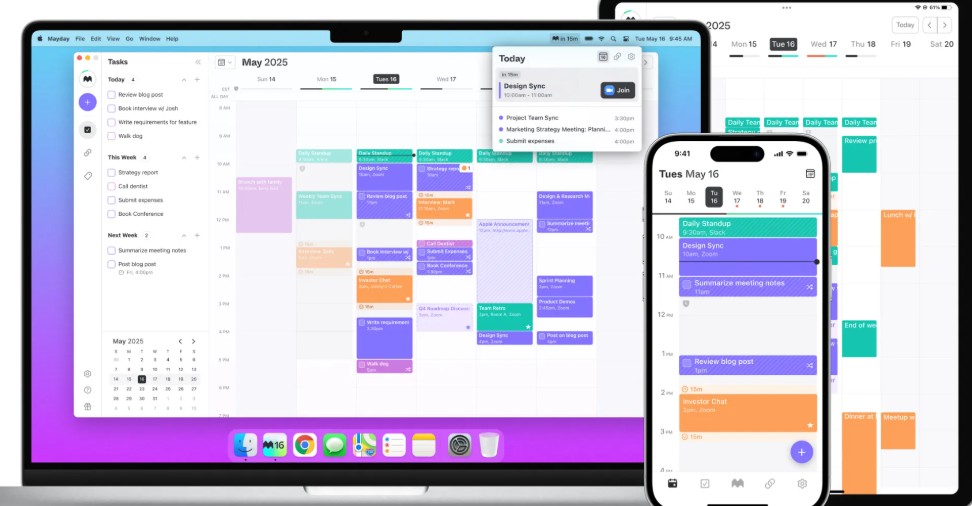
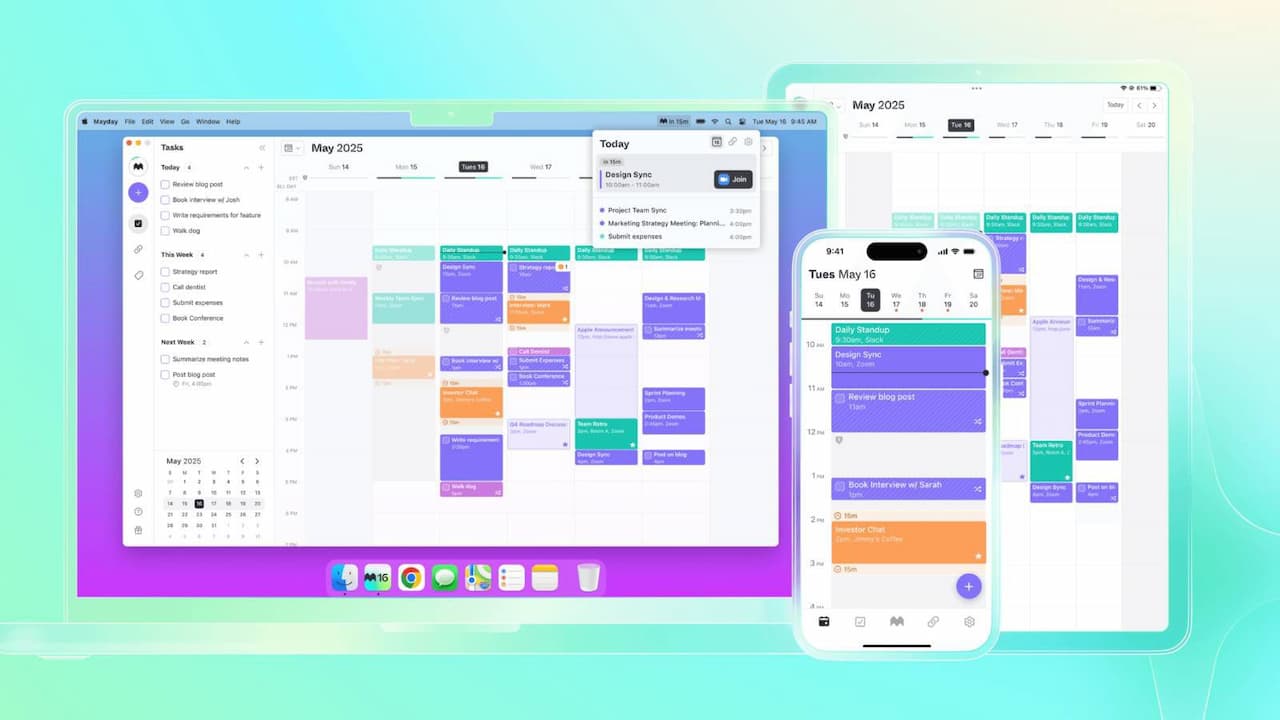
Beyond smart input, iOS 27 gives the Calendar app a fresh look. Users will see updated designs in two main places: the event details view and the event create and edit screens. Tapping an event now shows its details in a modern card overlay with a clean style. Event options have been rearranged and now have clear icons next to them, which makes them easier to spot and use. The event create and edit screens have also been redesigned with a simpler look. They use the same rearranged options and clear icons, which gives the whole app a more unified and friendly feel.
What New Functionality Does iOS 27 Bring to iCloud Calendars?
A missing feature that Apple users have asked for is finally here in iOS 27: the ability to mark yourself as busy or free. This feature has been common in third-party calendar services like Google Calendar, but it was missing for native iCloud events in the Apple app. The update fixes this gap. It gives iCloud users the same control over their availability that other providers have offered for years. This change makes the calendar experience feel more even and more professional across all services that work with Apple devices.
Along with these core updates come new widget options for the Home Screen and Today View. iOS 27 adds more widget sizes, and Calendar uses two new extra-large formats called "List" and "Up Next." These bigger widgets are made to show more events and reminders at a glance, which is helpful for people with packed schedules. The extra screen space these widgets offer should be especially useful on devices like the rumored iPhone Ultra, Apple's first foldable smartphone, which is expected to launch in September 2026.
The broader AI changes in iOS 27 also have a big impact on the Calendar app. Siri has been fully rebuilt. It moved from a basic command tool to a chat-style assistant that understands context, powered by a large language model. This new Siri can see what's on your screen and better understand your personal context. That makes it much more useful for managing events and reminders. Users can now give Siri multi-step requests, like "remind me about that dentist email when I'm near the clinic tomorrow." Siri will then pull information from apps like Mail, Calendar, and Maps. Also, a new visual intelligence button in the event create screen lets you scan an event flyer with the Camera app. Siri then pulls the details from the flyer and creates a new event for you.
What This Means
The iOS 27 Calendar updates, especially the ones driven by Apple Intelligence and the improved Siri, show that Apple is serious about smart, user-focused design. The use of natural language processing and context awareness brings Apple Calendar closer to top third-party calendar apps, and in some ways past them. For tech readers, this means a real boost in daily productivity and a smoother way to use their devices. The focus on AI-powered automation removes friction from scheduling. It lets users spend less time typing in data and more time on their real tasks. It also shows Apple's bigger plan with Apple Intelligence: to build AI features right into core system apps. The goal is a more personal and proactive user experience across all Apple devices. The long-awaited "Busy/Free" option for iCloud calendars may seem small, but it fixes a key pain point for many Apple users. It shows that Apple is paying attention to detail and user feedback.
What's Next
Looking ahead, the base that iOS 27's Calendar updates lay, especially the deep links between Apple Intelligence and Siri AI, points to a future where personal productivity tools get more predictive and proactive. We can expect more improvements in natural language understanding. They may allow for more complex multi-event scheduling or even proactive suggestions based on user habits and outside data. The visual intelligence features could grow to read more types of event info, like handwritten notes or web pages. As Apple Intelligence grows, the Calendar app is set to become an even more central hub for personal and professional planning. It will blur the line between manual entry and smart automation. The ongoing development of the iPhone Ultra and other large-screen devices will likely shape future widget designs and interactive elements. The goal is to make the calendar experience work well on more types of devices.