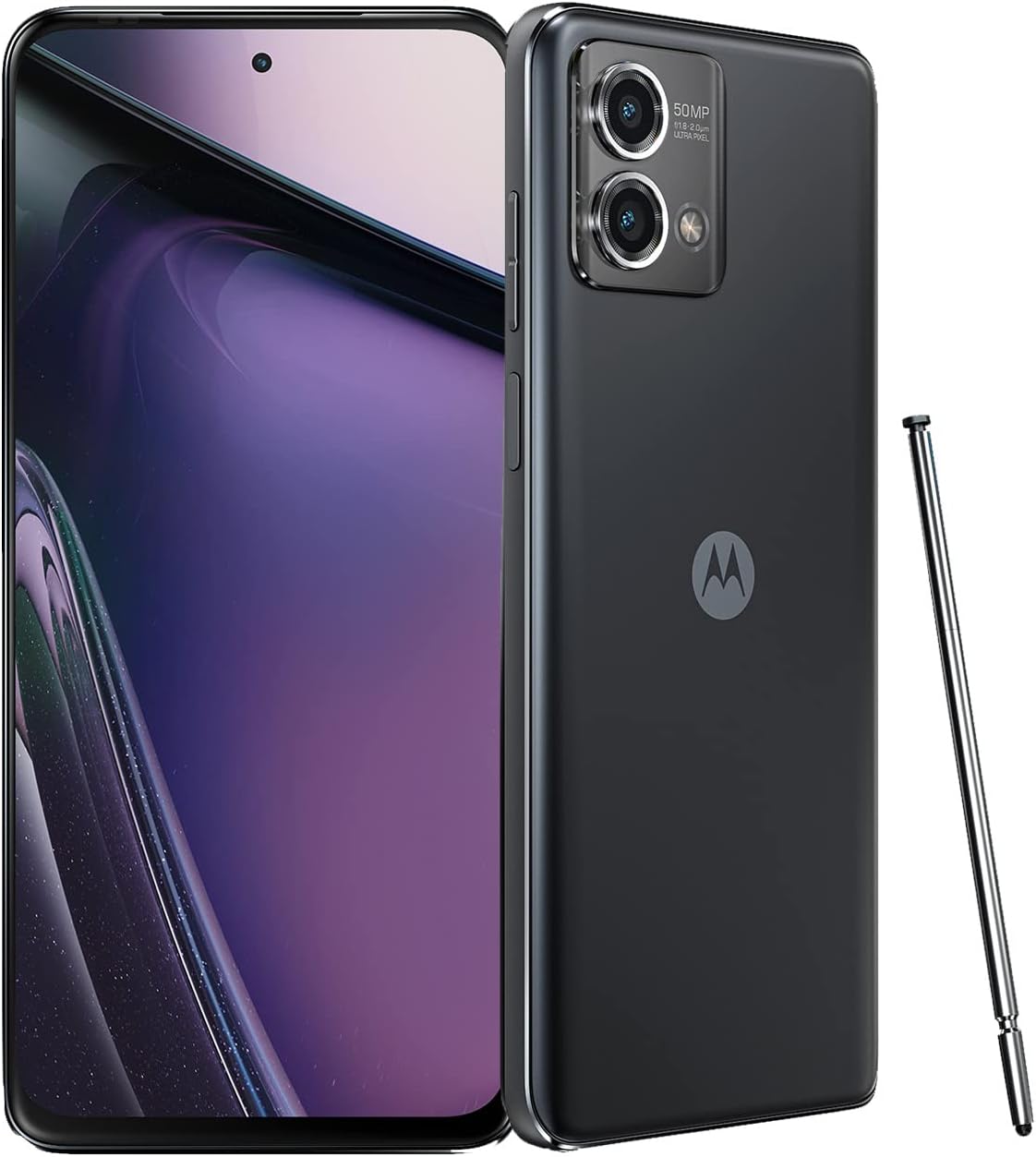
Motorola's Smart Connect is a unified ecosystem solution. It is quickly becoming a surprisingly strong tool for smooth cross-device integration. It lets users bridge the gap between their Android phones, iPhones, Windows PCs, and even smart TVs. The app was first called "Ready For" before Motorola rebranded it at MWC 2024. Many people dismissed it as bloatware. But it offers a full set of features. These include file sharing, wireless webcam use, and a complete desktop mode. It now challenges big names like Microsoft's Phone Link and Samsung DeX.
I thought this Motorola app was bloatware. Now I can't live without it: What Makes Smart Connect a Game-Changer for Productivity?
At its core, Smart Connect aims to boost productivity. It does this by enabling smooth interactions across multiple devices. For many users, moving files between a smartphone and a PC is a daily chore. Smart Connect fixes this with its easy file sharing features. You can browse images and other media right from your computer. You don't need to unlock your phone or send files by hand. This also includes a universal clipboard. So you can copy text or screenshots on one device and paste them on another. There's also a Share Hub for quick transfer of files and media. This includes large files through simple drag-and-drop actions.
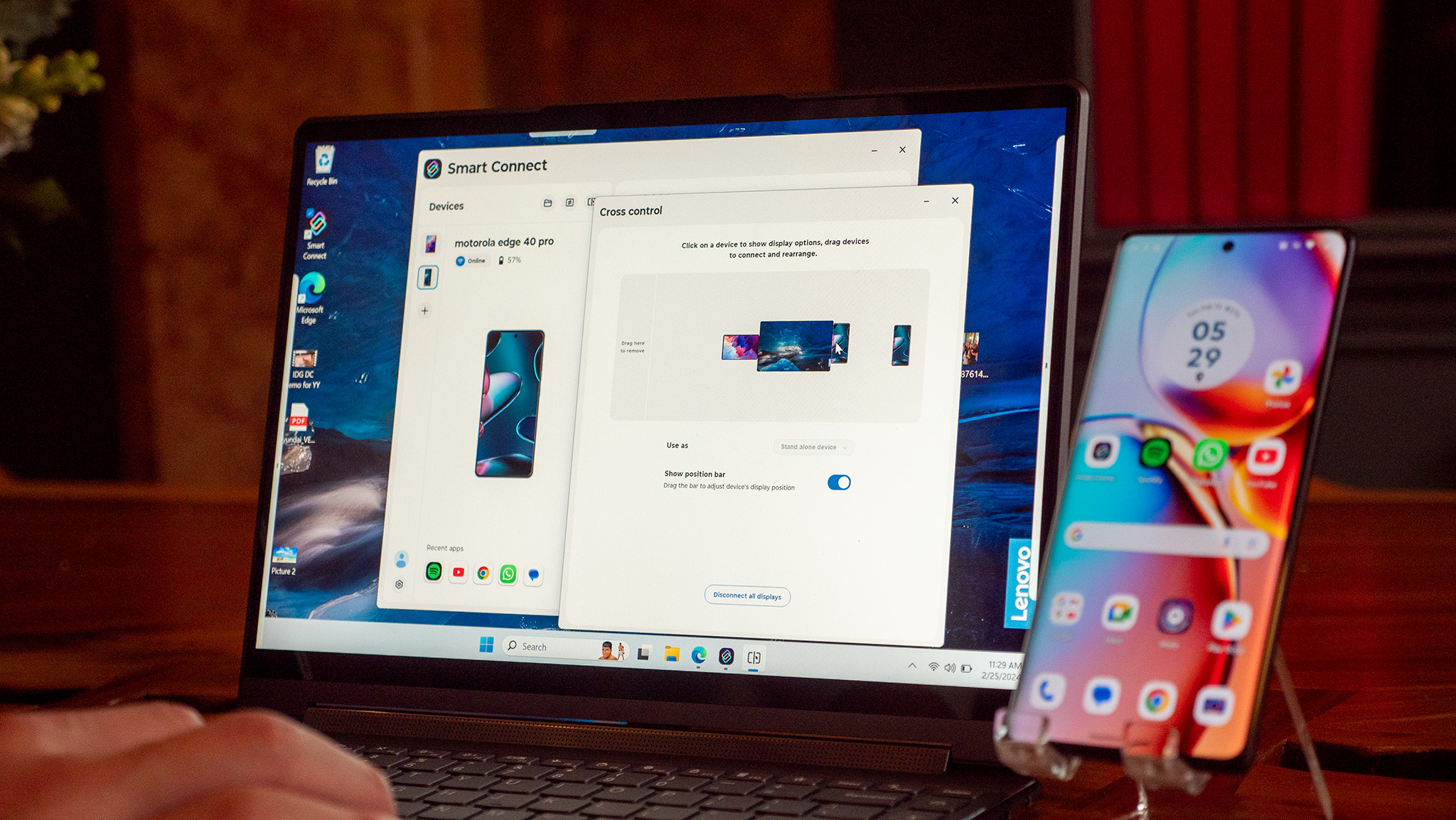
Beyond file management, Smart Connect changes how devices interact. It lets any Android phone work as a wireless webcam for a PC. This is a big step up from wired-only solutions offered by some built-in phone features. It's very useful for video calls. You don't need bulky cables or a separate webcam. The app also supports app streaming. You can mirror your phone screen or launch individual Android apps right onto your PC or smart display. Some advanced app streaming features, like creating a separate virtual phone environment on the PC, still work only on Motorola phones. Still, the ability to stream individual apps is a strong multitasking tool.
For those who want a more desktop-like experience from their phone, Smart Connect offers a strong desktop mode. This feature, much like Samsung DeX, projects a PC-style interface from your phone onto a larger screen. You get a taskbar, resizable windows, and support for external keyboards and mice. This lets you use Android apps in a full-size format. It turns a smartphone into a portable workstation. The platform also has cross-device control. So a single mouse and keyboard can move easily between a PC, phone, and tablet. This effectively expands your workspace without extra monitors.

How Does Smart Connect Compare to Its Competitors?
People often compare Smart Connect to Microsoft's Phone Link (formerly Link to Windows) and Samsung DeX. Microsoft's Phone Link offers basic syncing of notifications, messages, and photos. Smart Connect usually provides a more stable and feature-rich experience, especially in true multitasking. It also does a better job of changing the interface for productivity rather than just mirroring. However, Phone Link currently has the edge in full message and call support right from the PC. Smart Connect largely lacks that feature.
Against Samsung DeX, Smart Connect is a strong alternative. Many users praise DeX for its maturity, stability, and broader range of connection options. This makes DeX a solid pick for those who want to use their phone as their main PC replacement. But Smart Connect stands out by being more versatile. It also relies less on specific Motorola hardware for its core functions. Basic features extend to third-party Android devices and iPhones (with some limits). Users also note that it's very effective for streaming and gaming. You get faster access to media apps without having to navigate a full desktop environment.
DeX offers a more polished desktop UI. Still, Smart Connect's direct app streaming and virtual phone modes give it unique advantages for certain workflows. As highlighted by Zac Kew-Denniss of Android Authority in his August 19, 2026 review. Whether you are new to I thought this Motorola app was bloatware — now I can't live without it or already experienced, the sections below have you covered.
What This Means for Tech Enthusiasts and Everyday Users
The growth of Motorola's Smart Connect shows a clear trend toward more integrated and flexible device ecosystems. For tech enthusiasts, it offers a strong alternative to established solutions. It provides a smooth experience that goes beyond single device limits. The ability to share files, use a phone as a wireless webcam, and extend mobile apps to a larger screen boosts productivity. It's also very handy for anyone who often switches between devices for work or fun. The recent addition of Moto AI supports voice commands for casting and AI-powered natural language search across devices. This raises its value even more. It makes cross-device management more intuitive.
For the everyday user, Smart Connect is a big step toward simpler multi-device workflows. The days of emailing files to yourself or dealing with cables for a webcam are fading. This app helps you get more out of the hardware you already own. It may also reduce the need for special gadgets. It does this by using the power of your smartphone across your digital setup. It's available on a wider range of Android and Windows devices. Some features are limited on non-Motorola devices, though. This makes it more useful and appealing to more people.
What's Next for Cross-Device Integration?
Looking ahead, Smart Connect seems set to keep expanding its compatibility and deepening its AI features. As of March 2025, Motorola and Lenovo have been rolling out Smart Connect to all Android devices. Some advanced features still work only on their own hardware, though. Future updates may bring more polish to the desktop experience. They could also fix some of the small stability and performance issues that users have reported, especially over Wi-Fi. The focus on AI-powered search and voice commands points to more natural, hands-free control. This could become a standard expectation for cross-device platforms. As the line between mobile and desktop computing keeps fading, tools like Smart Connect will shape the future of personal technology. They will push for better interoperability and user-focused design.
Related Resources
For more context, check our related article on Apple Calendar Gets an AI-Powered Overhaul in iOS 27 with Smart Event Details and Enhanced Siri Integration.